
Leather Backpack Size, Capacity and Fit Guide
Choose a leather backpack by measuring the largest rigid item first, then compare laptop compartment size, usable opening, internal dividers, exterior pockets, strap width and range, loaded depth and torso fit. A “14-inch,” “15-inch” or “17-inch” laptop claim is a starting point—not a guarantee for every device and case.
14-inch laptop backpacks
Measure the laptop’s actual width, height and thickness with its case. Leave room for zipper clearance and padding, then confirm whether the laptop sits in a dedicated divider or the main compartment.

This vegetable-tanned leather backpack lists 14-inch laptop capacity with layered front, side, interior and rear pockets.
Soft travel packs with 14-inch capacity
Soft suede or leather can conform around contents, but overpacking creates pressure on seams and electronics. Use the stated compartment and support the load with both straps.

This suede horsehide travel backpack lists 14-inch laptop capacity and approximately 4 cm-wide adjustable straps.
15-inch everyday capacity
A 15-inch label does not describe the rest of the load. Check whether books, charger, bottle and clothing share the same space and how pockets separate hard objects from electronics.

This color-block vegetable-tanned pack lists up to 15-inch laptop capacity and 5 cm-wide padded straps.
Business organization at 15 inches
Two main compartments can separate work gear from light travel items, but each divider reduces open volume. Compare the device with the actual padded section.

This black business backpack lists a 15-inch laptop and two large zip compartments for organized work and travel carry.
16-inch laptop and travel use
Larger devices add weight quickly. Wide straps, a padded back and a luggage pass-through can matter more than nominal volume for commuting and airports.

This heavy-duty vegetable-tanned backpack lists 16-inch laptop capacity, 6 cm-wide straps, a padded back and luggage pass-through.
17-inch large-capacity packs
A 17-inch compartment needs a correspondingly large body. Check torso length, shoulder adjustment, loaded depth and whether the pack remains stable rather than simply choosing the largest size.

This large studded leather backpack lists 17-inch laptop capacity with multiple exterior pockets and substantial leather construction.
Size and fit checklist
| Measure | Why |
|---|---|
| Laptop with case | Screen size alone does not define device dimensions |
| Usable opening | A device must pass through the zipper or flap |
| Loaded depth | Controls bulk and center of gravity |
| Strap range and width | Affects position and load distribution |
| Torso contact | Helps prevent the bag sitting too low or wide |
Pack for fit, not maximum volume
- Place dense items close to the back panel.
- Use both shoulder straps and adjust them evenly.
- Keep bottles and hard objects away from the laptop.
- Do not overload zippers, seams or strap anchors.
- When riding, ensure the pack does not restrict movement or protective gear.
Frequently asked questions
Will every 15-inch laptop fit a 15-inch backpack?
No. Compare the device’s actual dimensions, case and usable compartment opening.
Is a larger backpack more comfortable?
Not automatically. Torso fit, straps, load placement and total weight matter.
Does soft leather increase capacity?
It may conform around contents, but that does not justify overloading seams or electronics.
Can a leather backpack be used while riding?
Only when it does not interfere with movement, controls, visibility or protective gear.
Laptop capacities, materials, carry features and availability verified against active Motor Club Shop listings on September 13, 2026. Current product and variant details take priority.
Tags:
Previous
7 Mistakes to Avoid When Buying Leather Crossbody Bags
Next
How to Choose Skull Rings as a Gift
Related articles
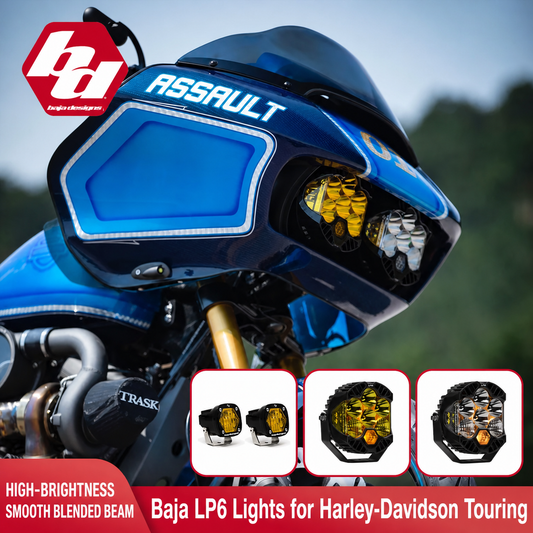
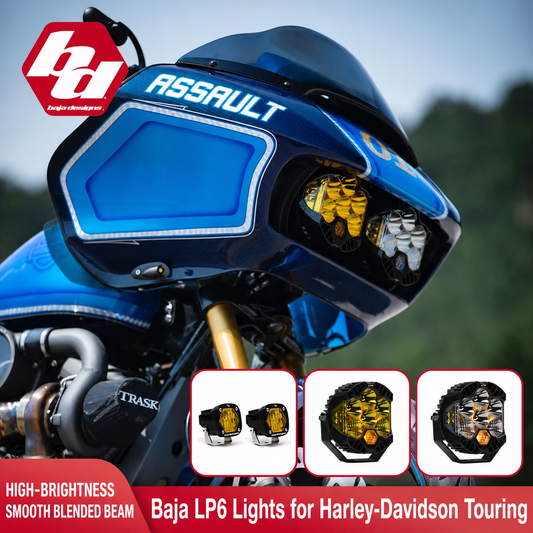
How to Inspect and Maintain Motorcycle Lighting
Sep 13 2026
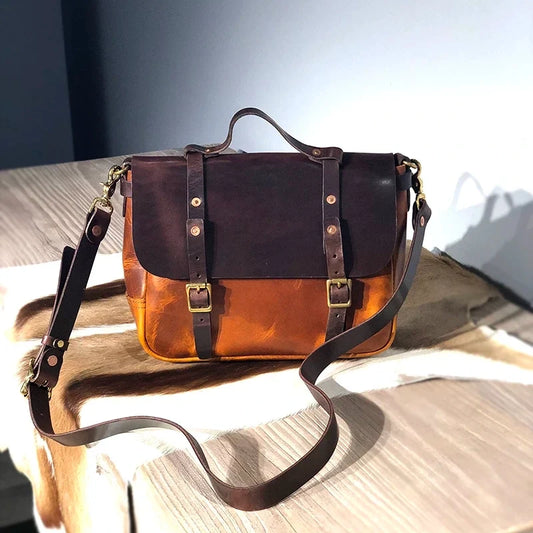
Full-Grain vs Top-Grain Leather Crossbody Bags
Sep 13 2026
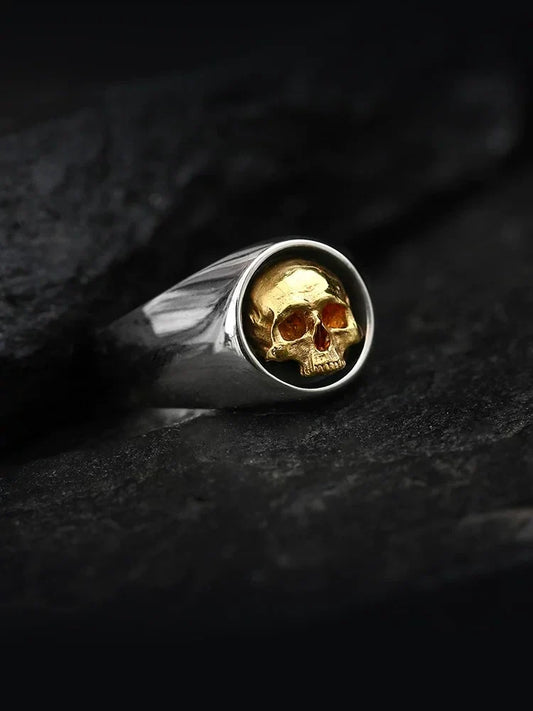
How to Choose Skull Rings as a Gift
Sep 13 2026